All tutorialsLife vision
0:42Platinum plan
How to create a vision image
See how to create a vision image with Photo Vision in Gooddays (Platinum). Open Photo Vision from the AI tab, review your life vision text, choose an existing photo or generate an AI image of yourself living your vision, preview it as your app background, and tap Save.
Steps
- 1Open the AI tab and tap Photo Vision.
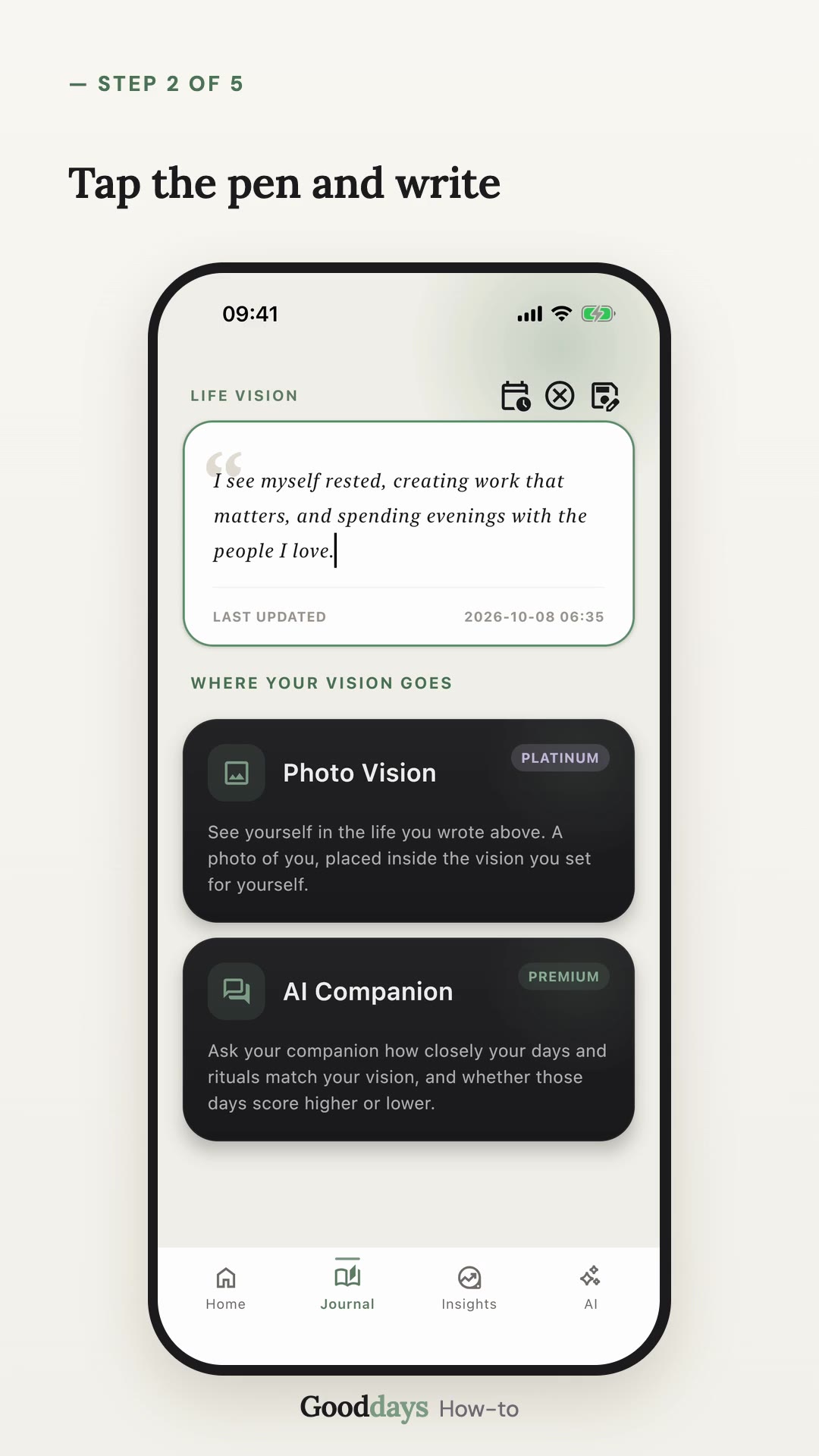
- 2Review or edit your vision text, or upload an existing photo from your gallery.
- 3Under Generate with AI, tap Gallery or Selfie, pick a photo, and tap Generate My Future.
- 4Preview your background and tap Save (or Try again).
- 5Use Change or the close icon anytime to update or remove it.