All tutorialsJournal & insights
0:38Free
How to find your best days of the week
Best Days looks at your daily check-ins and shows the weekday when you feel best, overall and for each of your six needs, over the last month, year or all your entries. Best Days is free.
Steps
- 1Open the Insights tab and tap Best Days.
- 2Choose Month, Year or Total.
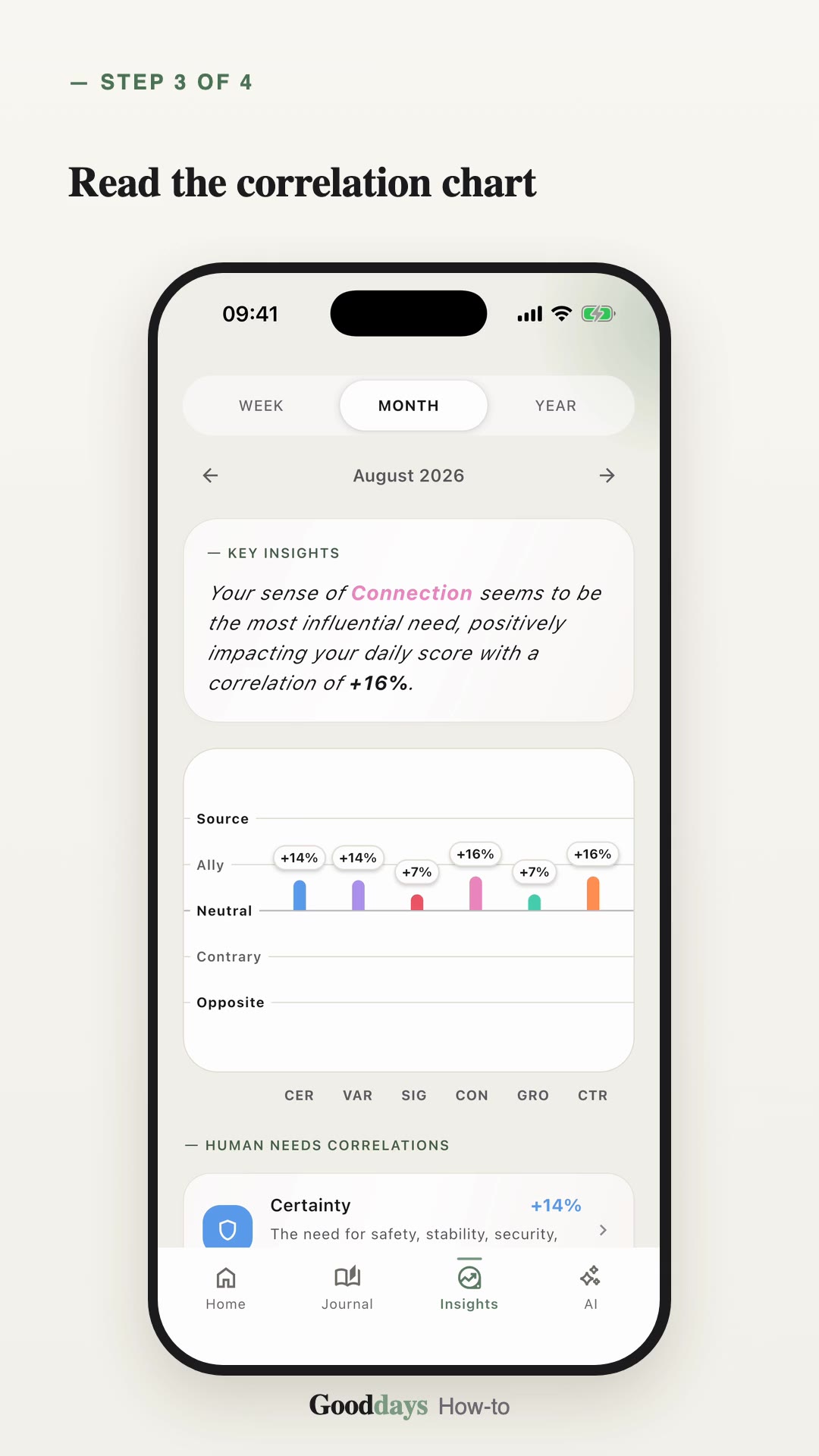
- 3Tap the Best Day card to see each weekday, the day you feel best and the day with room for growth.
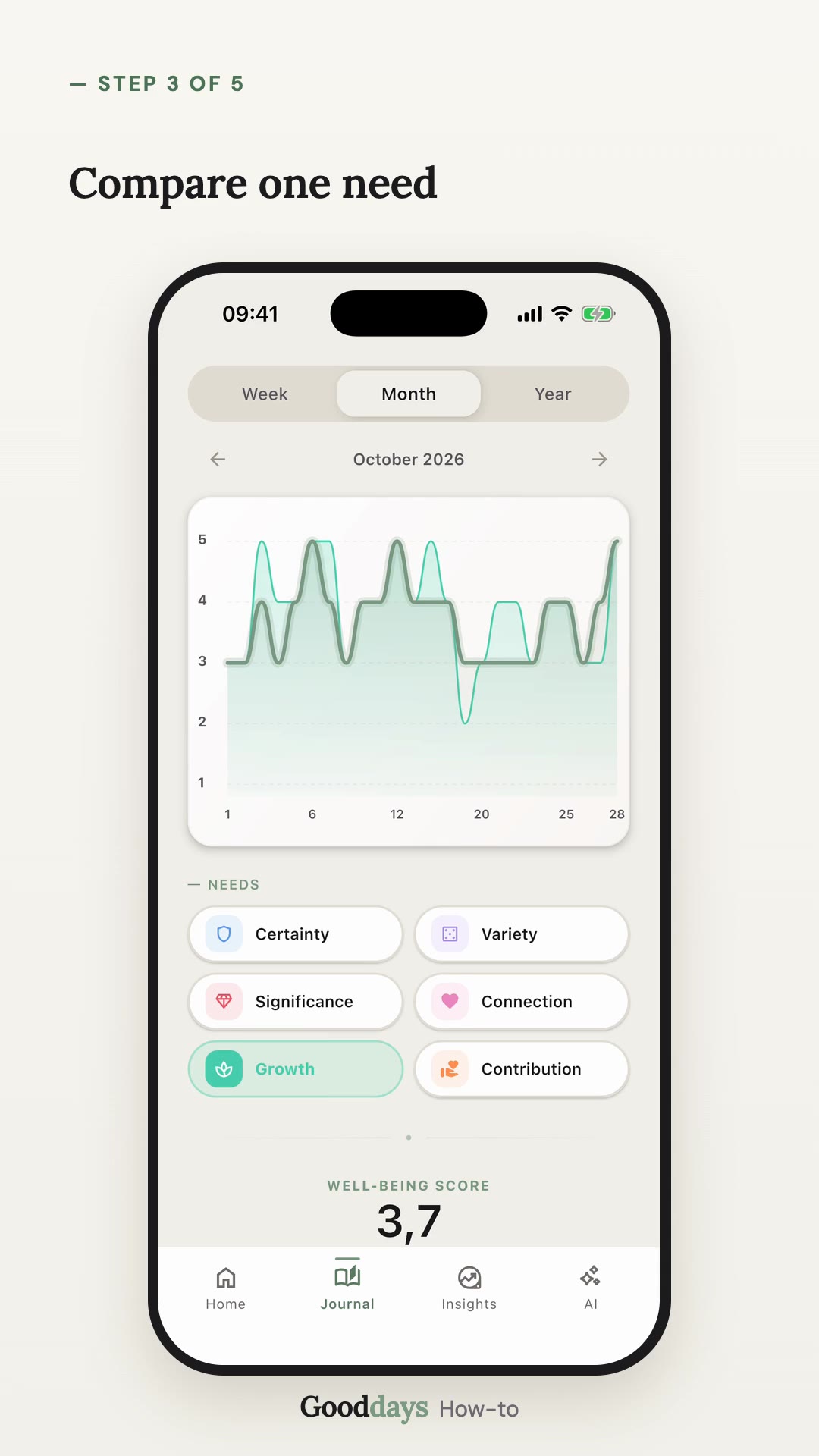
- 4Scroll down and tap a need to see its best day.