All tutorialsJournal & insights
0:56Free
How to read your charts and yearly heatmap
Read your Gooddays journal at a glance: the Progress line with your six needs, the daily bars in Overview, and a whole year of days in the My year heatmap. All of these charts are free.
Steps
- 1Open the Journal tab and tap Progress.
- 2Pick Week, Month or Year and use the arrows to change the period; the line is your daily score.
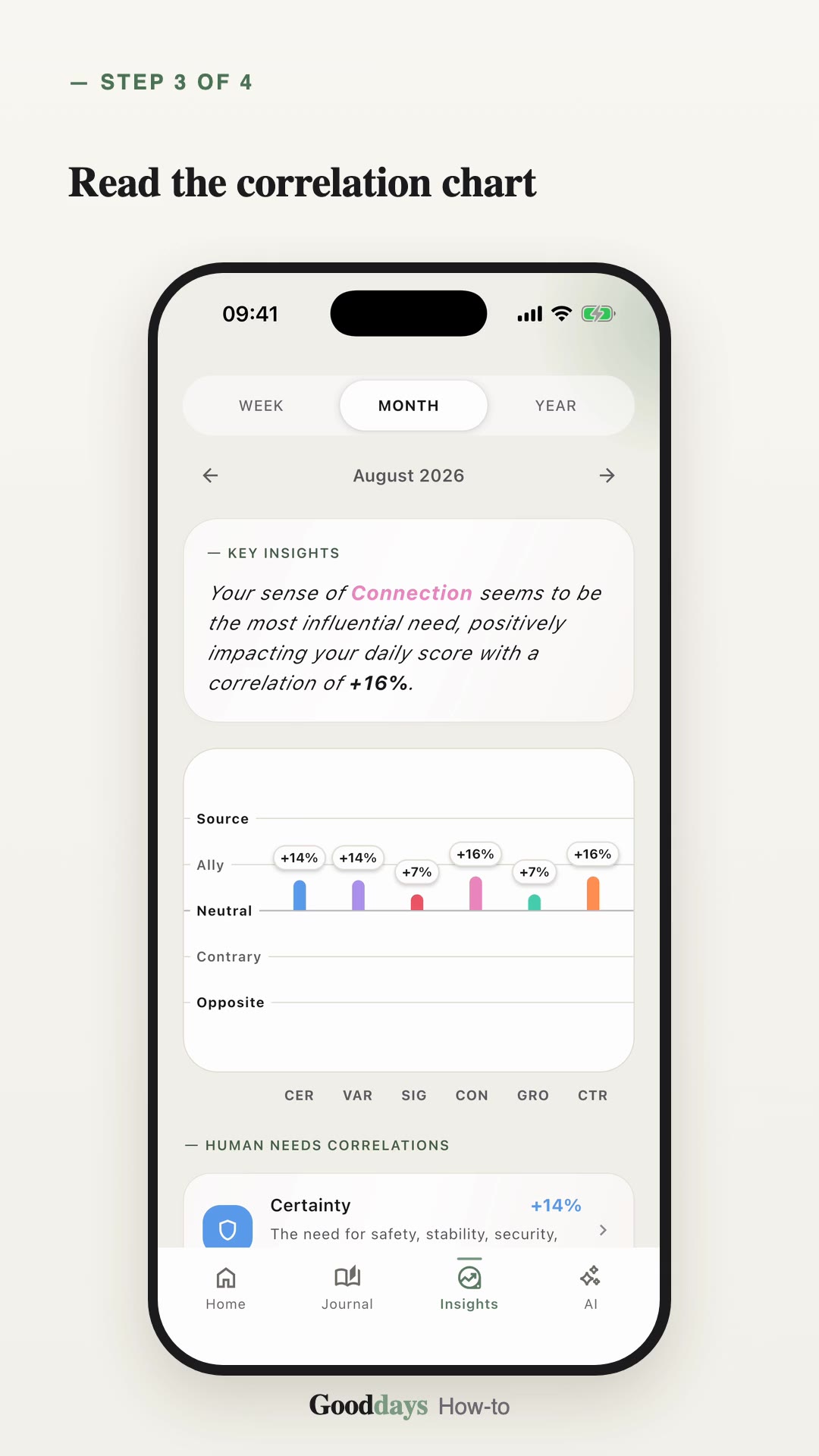
- 3Tap a need to lay it over your daily score; scroll for your well-being score and the six-needs balance.
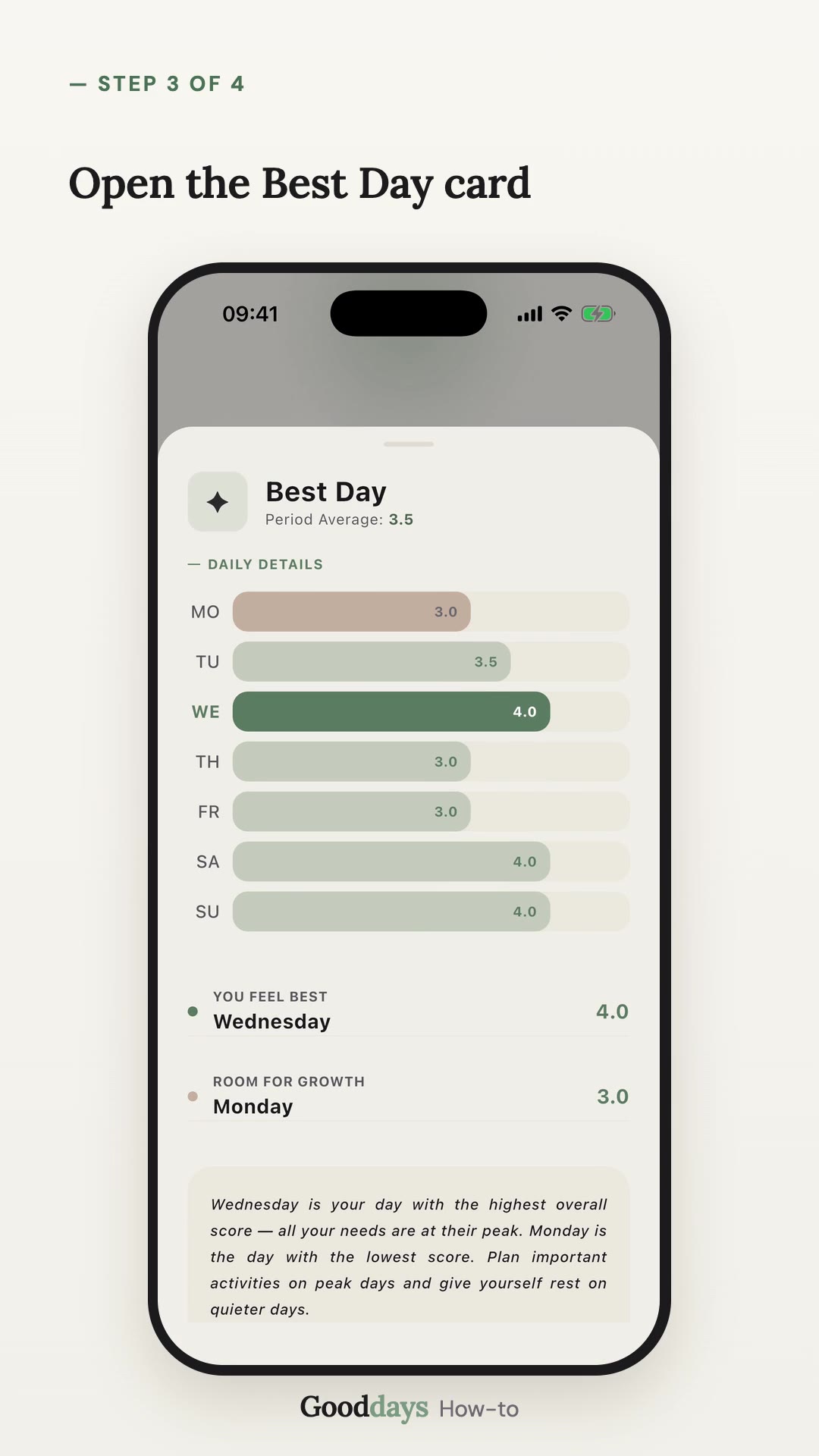
- 4Open Overview: hold a bar to see its score, tap a need to compare, or switch to Year.
- 5Open My year, tap Wellbeing level and pick a level to see only those days.