All tutorialsJournal & insights
0:35Premium plan
How to discover your patterns in Insights
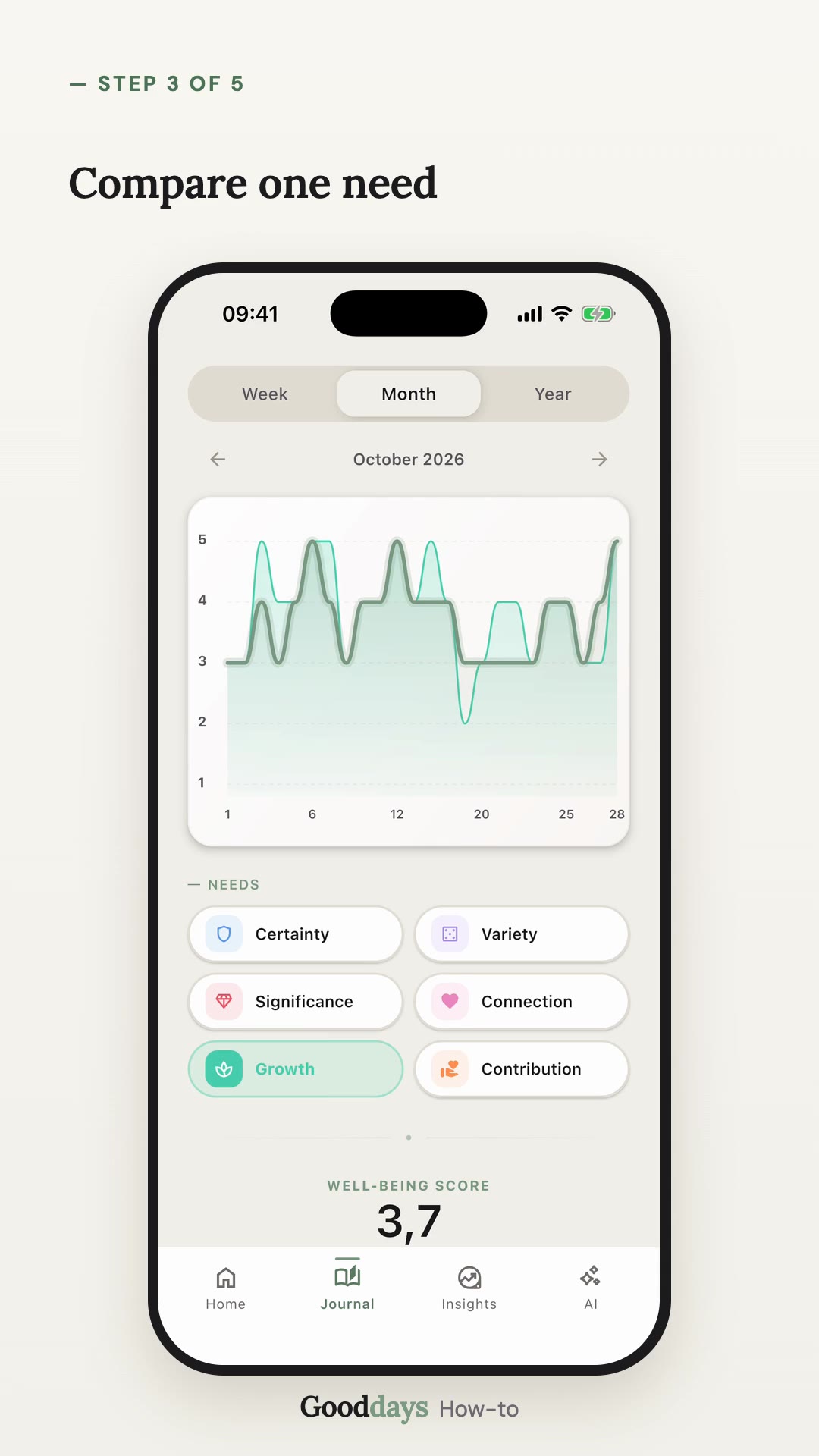
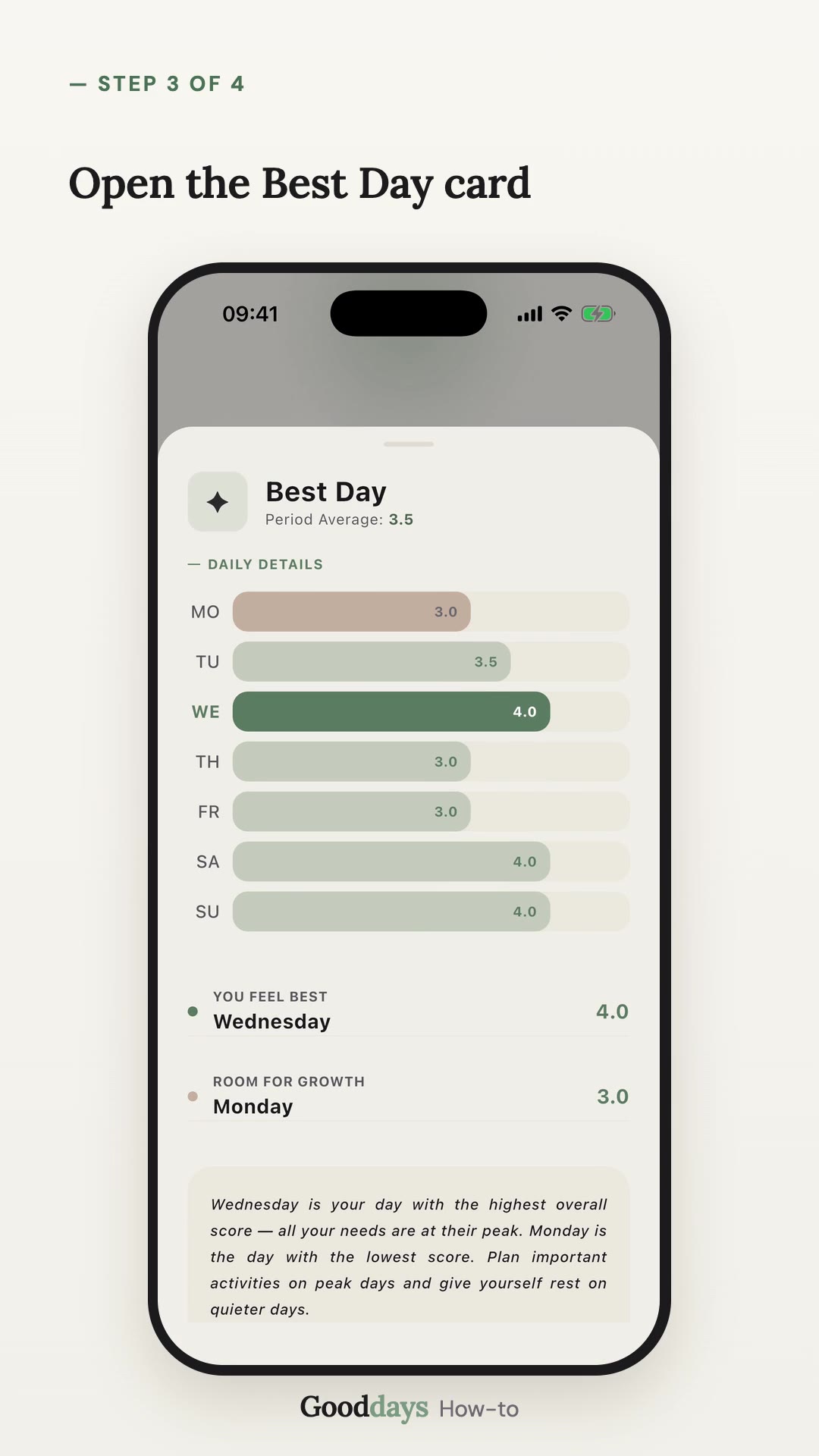
See how to explore your Insights in Gooddays (Premium): switch between Week, Month and Year views, read how each of the six human needs lines up with your day score, and open any need's pattern matrix for a closer look.
Steps
- 1Open the Insights tab and tap Patterns.
- 2Choose Week, Month, or Year and use the arrows to browse past periods.
- 3Read Key Insights and the correlation chart.
- 4Scroll down and tap any human need to open its pattern matrix and details.